Sequence diagrams and flowcharts, as text
Type a few lines and the diagram draws itself. Sketch with Apple Pencil and your boxes and arrows become a clean diagram. Photograph a whiteboard and Apple Intelligence turns it into text you can edit. And because it's all text, your AI coding agents can write diagrams too.
Join the BetaFree TestFlight beta for Mac and iPad · macOS 26 / iPadOS 26 or later
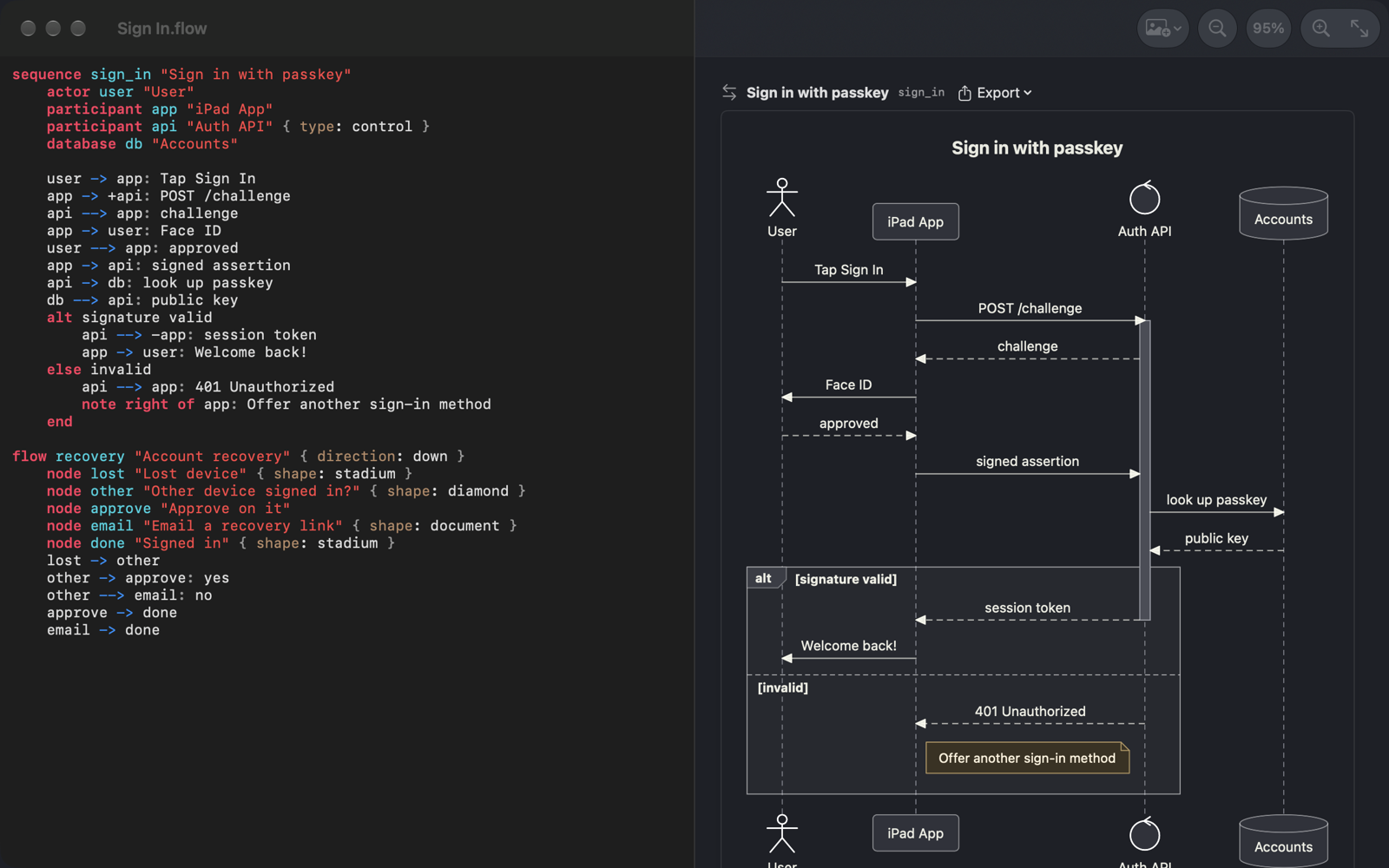
A native Mac and iPad app for the two diagrams developers draw most — kept as plain text that works with git, search and any editor.
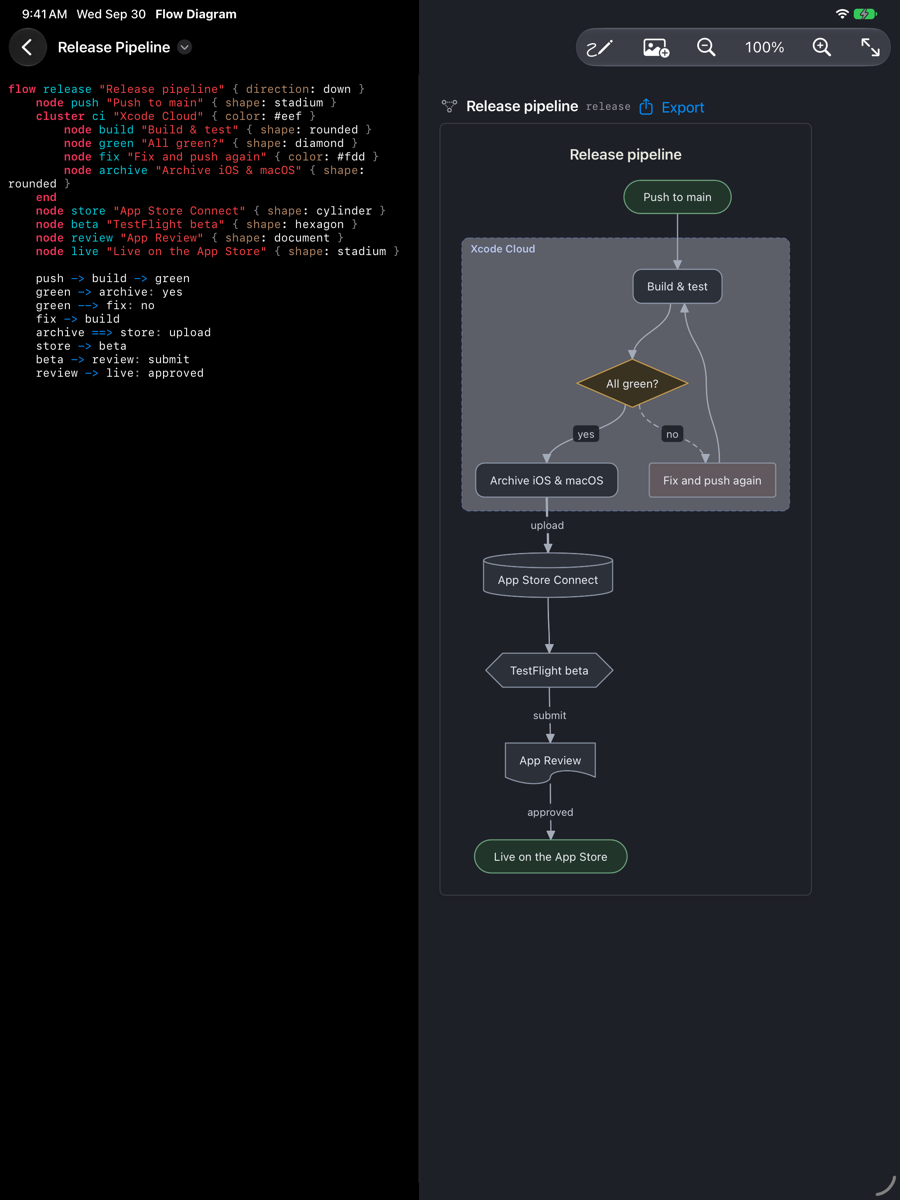
A small, readable language for sequence diagrams and flowcharts. The preview follows every keystroke; tap a shape to jump to its line, and mistakes are listed as you type.
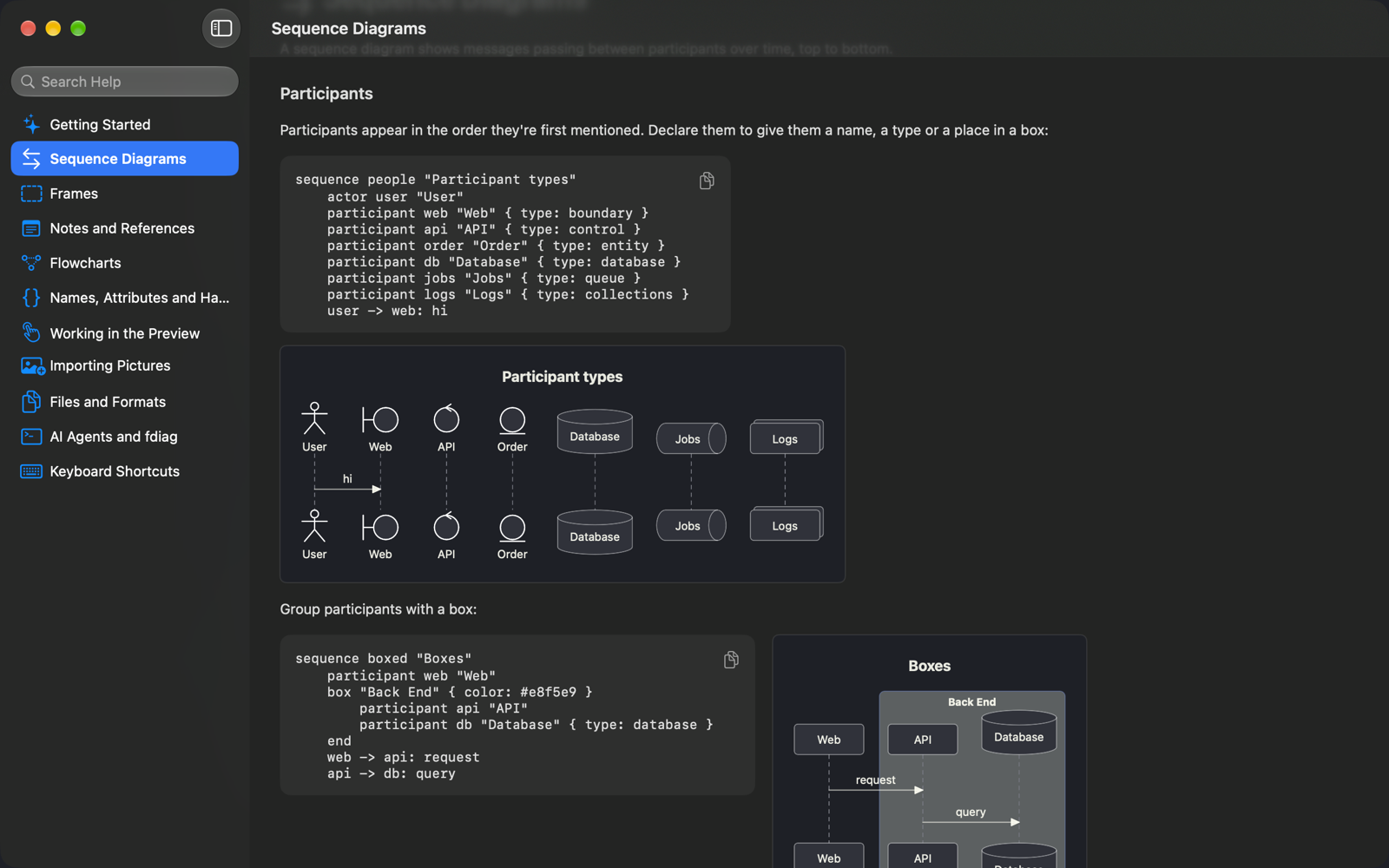
Actors, databases, queues and more; solid, dotted, async and failed messages; activations, notes and references; alt, opt, loop, par, critical, region, break, neg and group frames.
Ten node shapes from decisions to databases, dotted, thick and two-way connectors, nested clusters, and automatic layout in any direction.
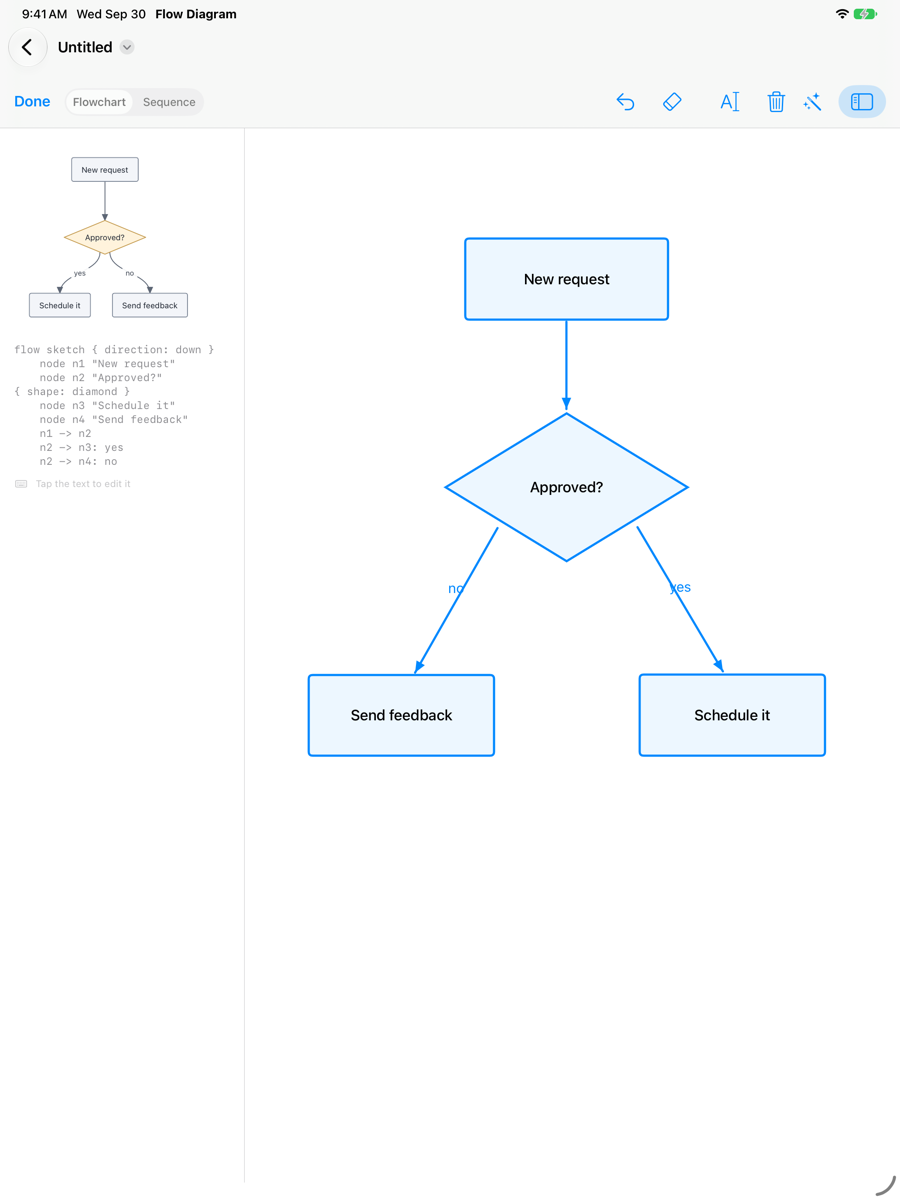
On iPad, draw boxes, diamonds and arrows and write labels by hand. They're recognised as you draw. Double-tap or squeeze the Pencil to erase.
Turn a whiteboard photo, a screenshot or a paper sketch into an editable diagram with Apple Intelligence — processed privately with Private Cloud Compute.
Opens and saves Sequence Diagram (.msd) and Mermaid files. Exports SVG, PNG, PDF and editable OmniGraffle documents. Quick Look and Spotlight know your diagrams.
Because every diagram is text, agents like Claude Code read and write them directly. The free fdiag command-line tool and its MCP server let them check their work, render diagrams and convert formats — and point you to a step in the open document.
brew install pointbluetechnology/tap/fdiag
claude mcp add fdiag -- fdiag mcp
Other agents take the same command, fdiag mcp.
fdiag validate, fdiag format, fdiag render -o out.png, fdiag convert --to mermaid, and fdiag reference for the syntax guide.
Boxes, ovals, diamonds and arrows are recognised as you draw, and the diagram's text stays in step beside the sketch. Tap the text to edit it, or let Apple Intelligence tidy the result.
Clusters, decisions and labelled branches are laid out automatically. Export to SVG, PNG or PDF, or to OmniGraffle as editable shapes and connectors.
Built-in Help covers every element of the format, with each example drawn by the app itself, and an Example document that uses them all.
Answers to common questions. For anything else, use Report Issue at the top right of this page, the button below, or email [email protected].
.flow text; .msd and Mermaid files open and save too.brew install pointbluetechnology/tap/fdiag, then add fdiag mcp to your agent.Try Flow Diagram on Mac and iPad through TestFlight and tell us what you think. No account, no subscription, no tracking.
Join the BetamacOS 26 or iPadOS 26 or later. Picture import needs Apple Intelligence on version 27.
Found a bug or have feedback?