CertWiz

Now on the Mac App Store

A simpler way
to work with certificates

Inspect, convert, and monitor SSL/TLS certificates on macOS — all in a native app. No terminal gymnastics required.

Download on the Mac App Store See Features ↓

Available now on the Mac App Store
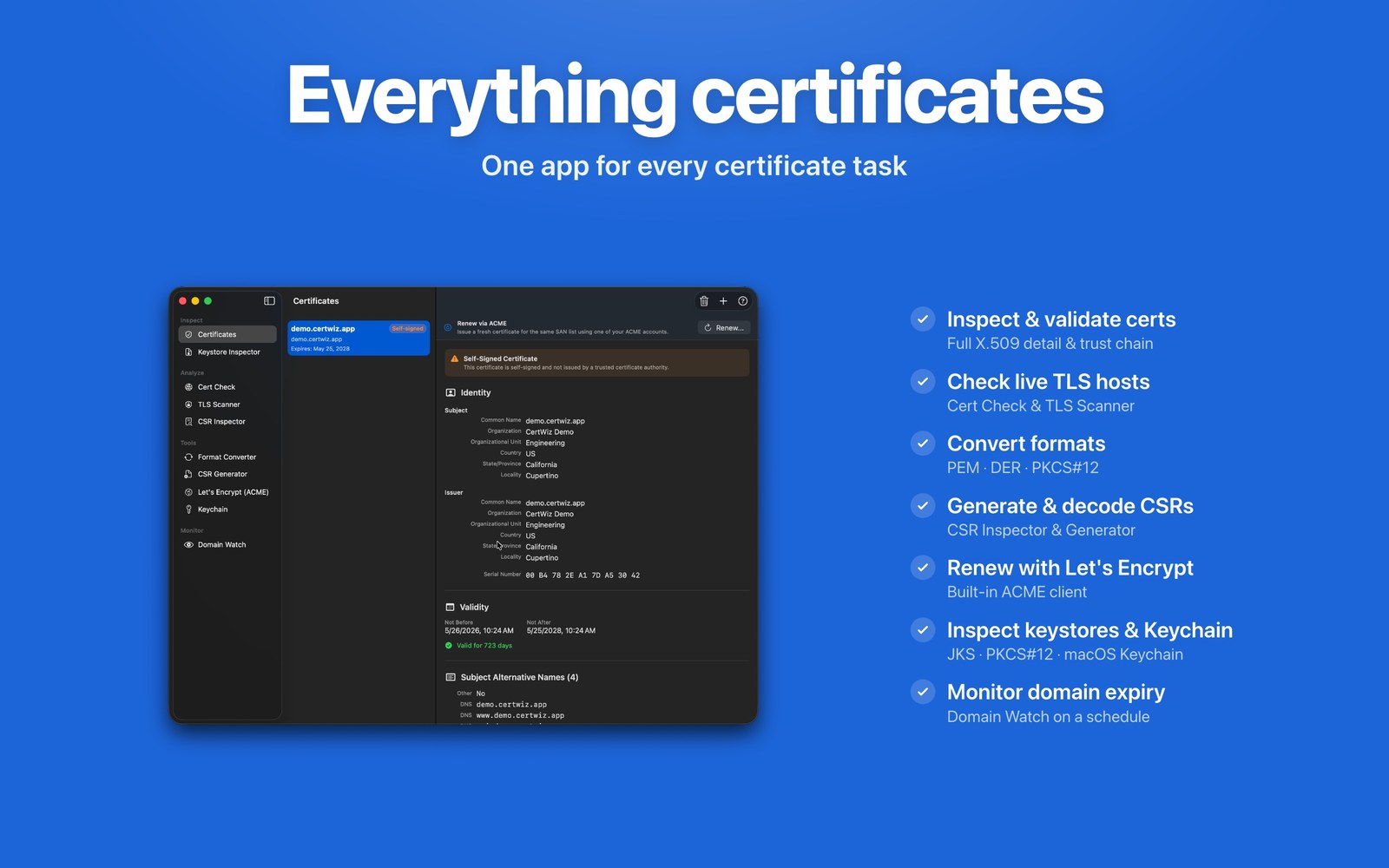
Everything certificates — one app for every certificate task
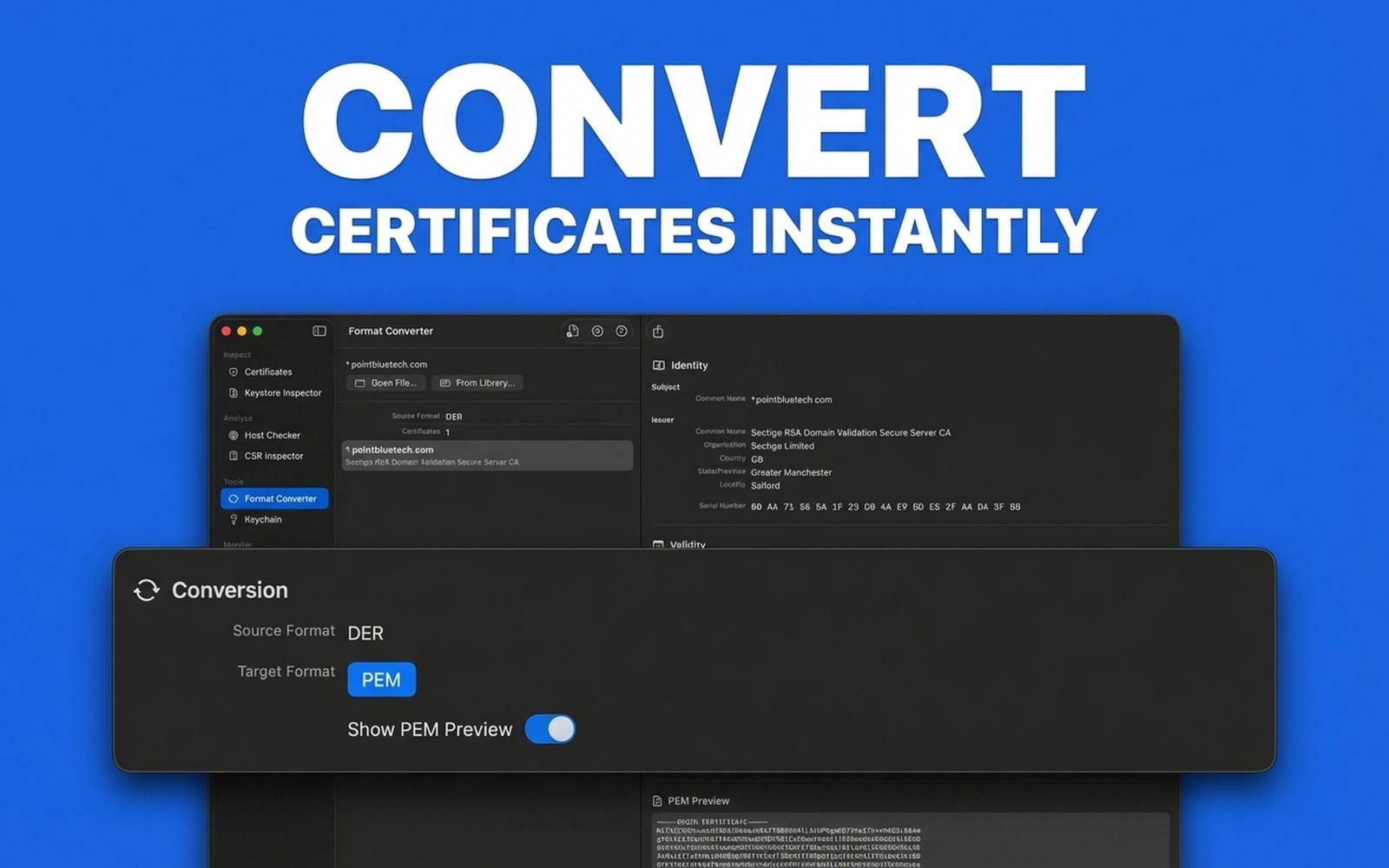
Convert Certificates Instantly
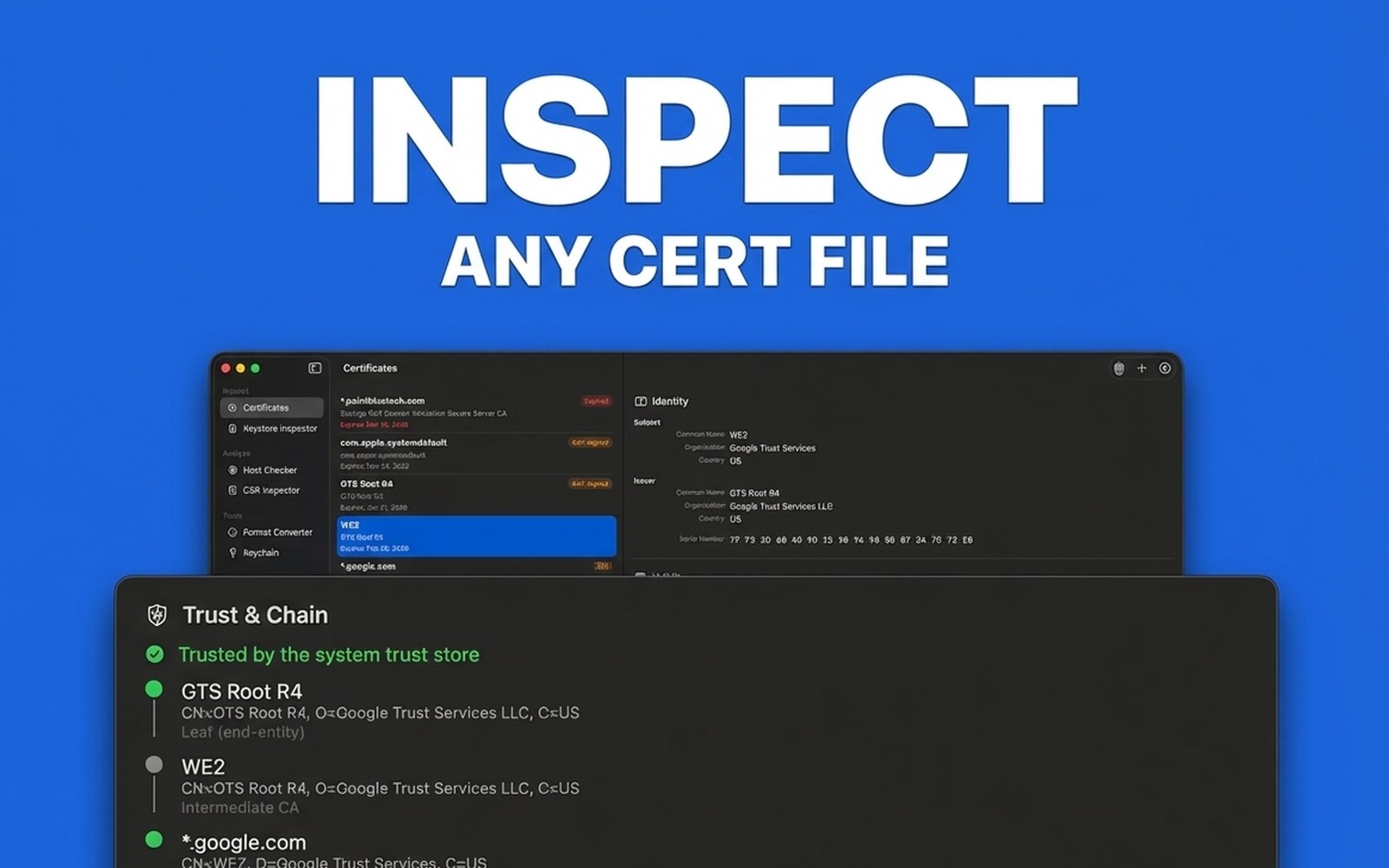
Inspect Any Cert File
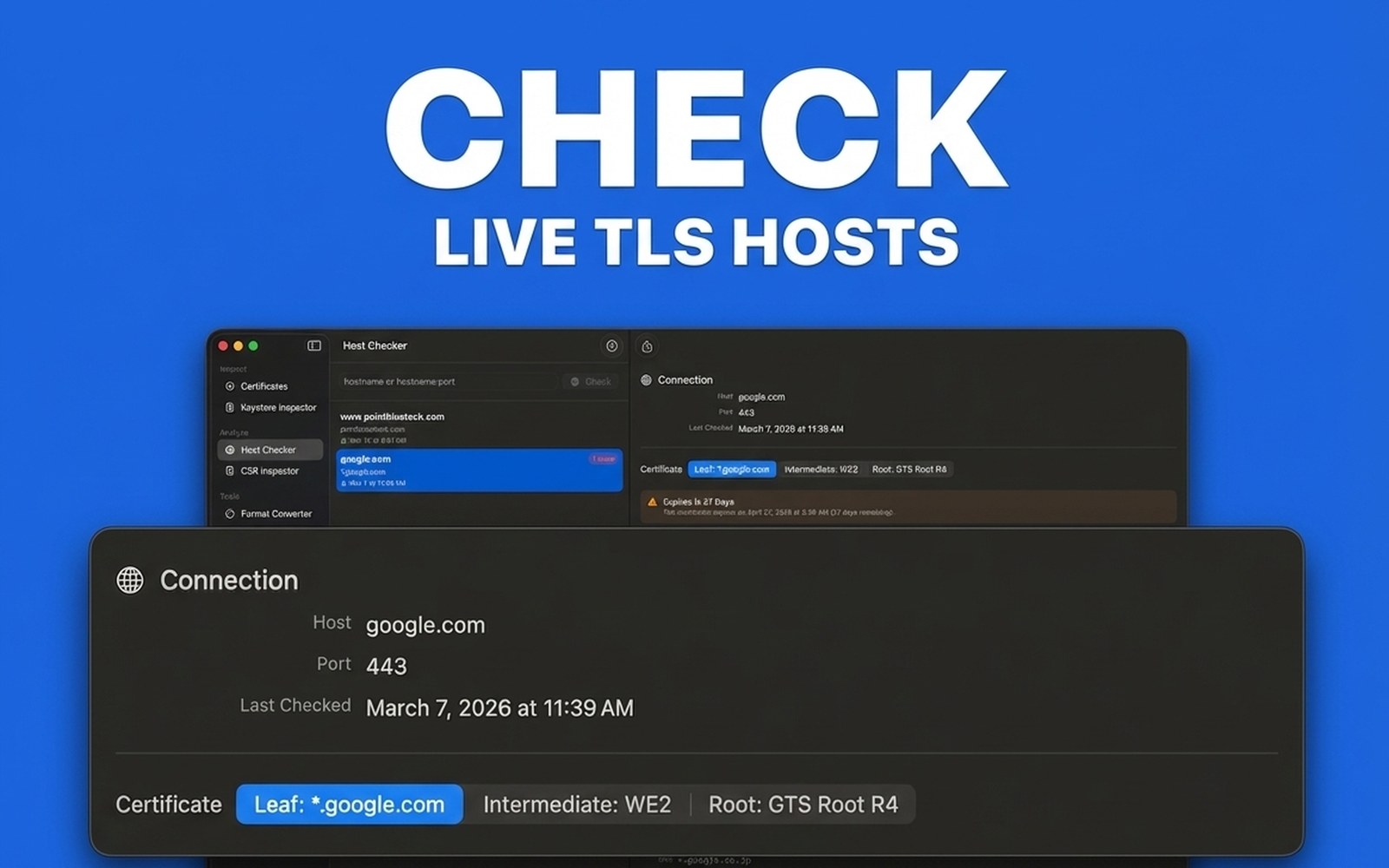
Check Live TLS Hosts
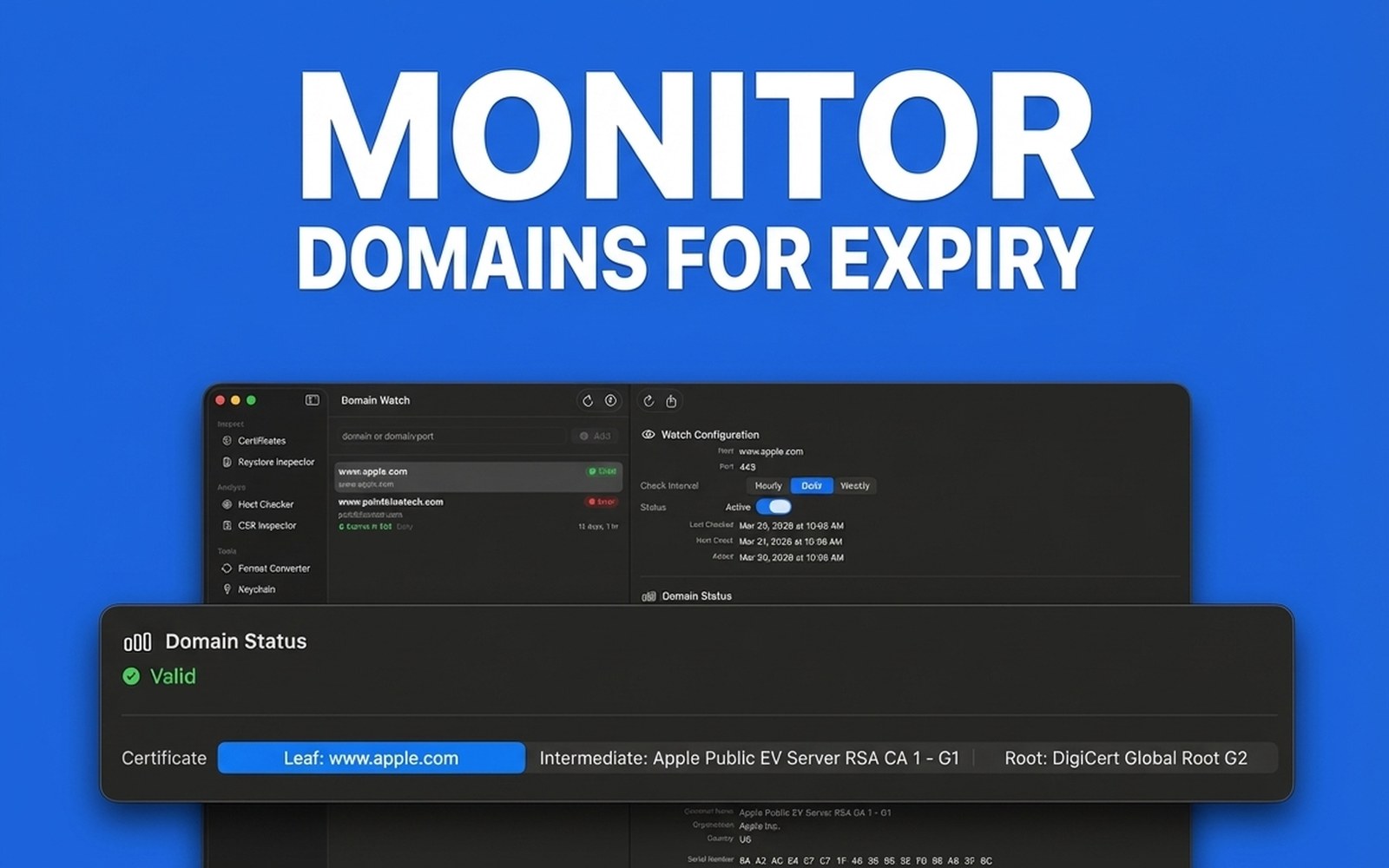
Monitor Domains for Expiry
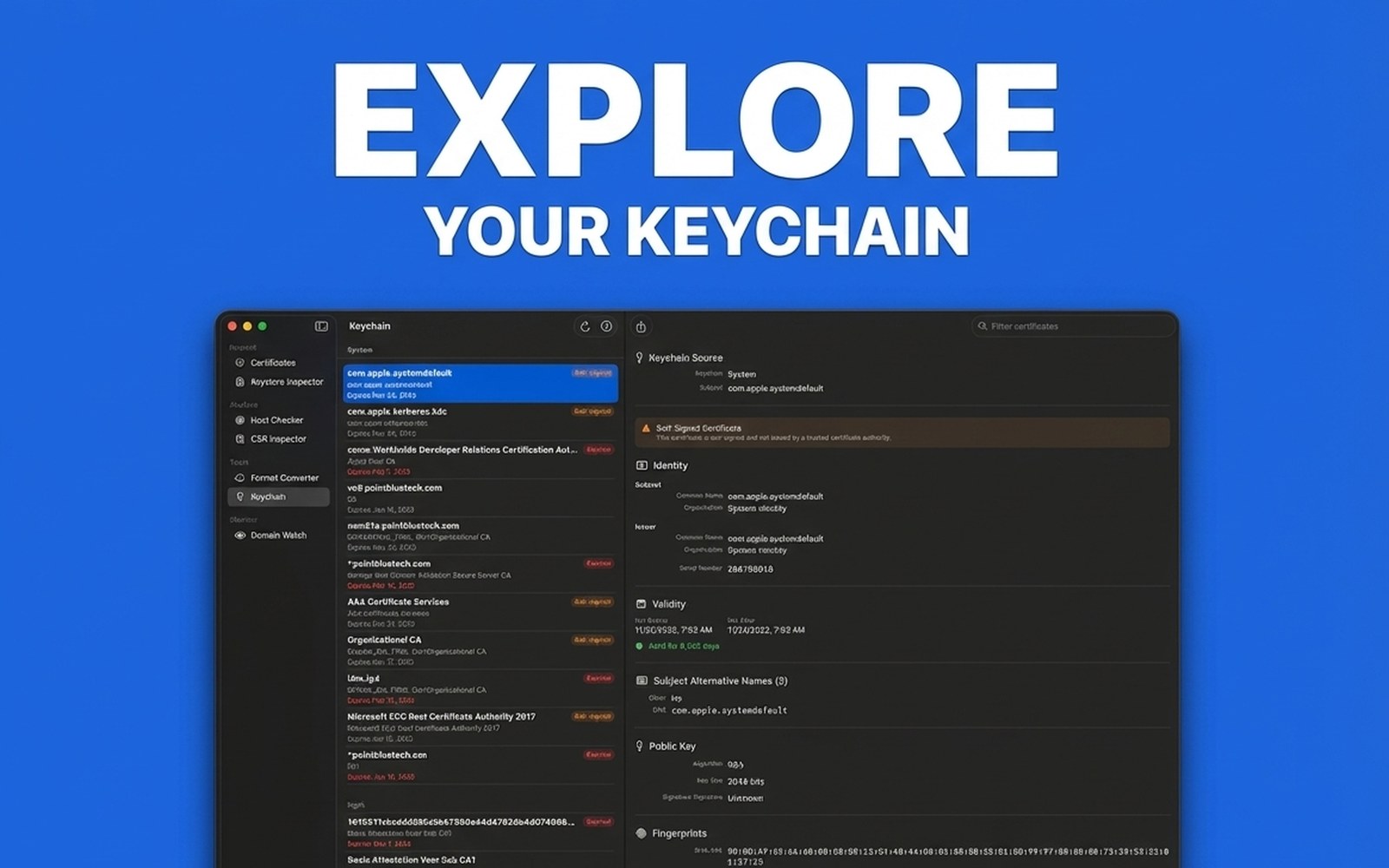
Explore Your Keychain

Everything you need.
Nothing you don't.

CertWiz brings ten powerful certificate tools together in a single, clean macOS window.

🔄

Format Converter

Convert between PEM, DER, and PKCS#12 in a single click. No more digging through OpenSSL man pages or writing shell scripts just to change a file format.

🔍

Certificate Inspector

Drop in any certificate file and instantly see every X.509 field — subject, issuer, validity dates, SANs, key algorithm, fingerprints, trust chain, and revocation status.

🌐

Host Checker

Type a hostname and immediately see the TLS certificate your server is actually serving — chain, trust evaluation, expiry, and any problems flagged at a glance.

👁️

Domain Watch

Monitor your domains on hourly, daily, or weekly schedules. Get alerted when a certificate is about to expire or changes unexpectedly — before it becomes an outage.

🔐

Keystore Inspector

Open and inspect Java Keystores (JKS, PKCS#12) with full certificate details and trust verification against custom anchors — without leaving your Mac.

🔑

Keychain Browser

Browse and inspect every certificate in your macOS Keychain with the full X.509 detail view — a far richer experience than Keychain Access provides.

📄

CSR Inspector

Decode and inspect Certificate Signing Requests to verify subject information, key algorithm, and extensions before submission — catch mistakes before they matter.

📝

CSR Generator

Create Certificate Signing Requests and private keys with the right subject fields, SANs, and key algorithm — no OpenSSL commands to memorise, ready to submit to any CA.

🛡️

TLS Scanner

Probe any server's TLS configuration — supported protocol versions, accepted cipher suites, forward secrecy, server cipher preference, and ALPN negotiation — all without OpenSSL.

🔏

Let's Encrypt (ACME)

Issue and renew free certificates straight from CertWiz with the built-in ACME client. Manage your accounts and reissue for the same SAN list in a few clicks.

Built for the tools you already use.
No extra setup.

CertWiz is a native SwiftUI app — fast, private, and always available. No command line, no Java, no browser required.

100% local — no data leaves your Mac Certificates are parsed and stored on-device. No uploads, no cloud, no third-party servers.
No more OpenSSL flag-juggling Convert, inspect, and debug certs without memorising complex command-line incantations.
Supports PEM, DER, PKCS#12, JKS All major certificate formats handled natively — drag, drop, done.
OCSP & CRL revocation checking Verify revocation status against live OCSP responders and CRL endpoints in one click.
Expiry monitoring that actually works Domain Watch checks your domains on a schedule and alerts you before certificates expire.
Free certs with built-in ACME Issue and renew Let's Encrypt certificates right inside CertWiz — no separate ACME client to install or script.
TLS security auditing built in Scan any server for weak protocols, insecure ciphers, and missing forward secrecy — no command-line tools needed.
In-app help & contextual guidance Every feature has built-in documentation — no need to leave the app or search the web.
Native macOS — no Electron, no Java Built with SwiftUI. Fast to launch, lightweight, and feels right at home on macOS.

Questions, answered.

Is CertWiz free?
CertWiz is available on the Mac App Store — see the App Store listing for current pricing.
What macOS version do I need?
CertWiz requires macOS 14 (Sonoma) or later, and runs natively on both Apple Silicon and Intel Macs.
Does CertWiz send my certificates anywhere?
No. Certificate parsing, inspection, and conversion all happen on-device. The only network calls are the ones you initiate — checking a live host, scanning TLS configuration, verifying OCSP/CRL revocation, or issuing and renewing certificates through Let's Encrypt.
Can CertWiz generate certificates or private keys?
Yes. The CSR Generator creates private keys and Certificate Signing Requests with the subject fields, SANs, and key algorithm you choose, and the built-in Let's Encrypt (ACME) client can issue and renew certificates directly inside CertWiz.
How is this different from Keychain Access?
Keychain Access shows certificates already imported into your Mac's keychain. CertWiz works with any certificate file or live host — including files you haven't imported — and shows substantially more X.509 detail, plus chain validation, revocation, and TLS configuration.
Do I still need OpenSSL?
For everyday tasks — converting formats, inspecting files, debugging a server's TLS, decoding a CSR — no. For things like generating new keys or signing certificates, OpenSSL is still the tool. CertWiz is built to cover the common cases without you reaching for the terminal.
How do I report bugs or request features?
Use the Report an Issue button in the header or below — it opens a quick feedback form. Your feedback shapes what ships, so we'd love to hear from you.

Get CertWiz on the Mac App Store

Download CertWiz and start working with certificates the easy way — no terminal required.

Download on the Mac App Store

macOS · Available on the Mac App Store

Found a bug or have feedback?